Permissions & Security
Standard procedures for managing repository permissions and requesting security exceptions in the Cub Central experimental environment.
Repository Management & Access Control
To empower project owners and accelerate development, we have streamlined the process for managing collaborators within the pandadoc-studio GitHub organization.
Admin Rights
Project owners can request Admin rights for their specific repositories. This allows for self-service management without waiting for infrastructure team approvals.
- Capabilities — manage collaborators, configure secrets (API keys), and set up webhooks
- How to request — reach out to the Organization Owner in the
#cub-central-communitySlack channel by providing a link to your repository and describing the need to increase the access level
Managing Collaborators
Once you have Admin rights, follow these steps to add teammates:
- Navigate to your repository in GitHub and open Settings
- Go to Collaborators and teams in the sidebar
- Click Add people
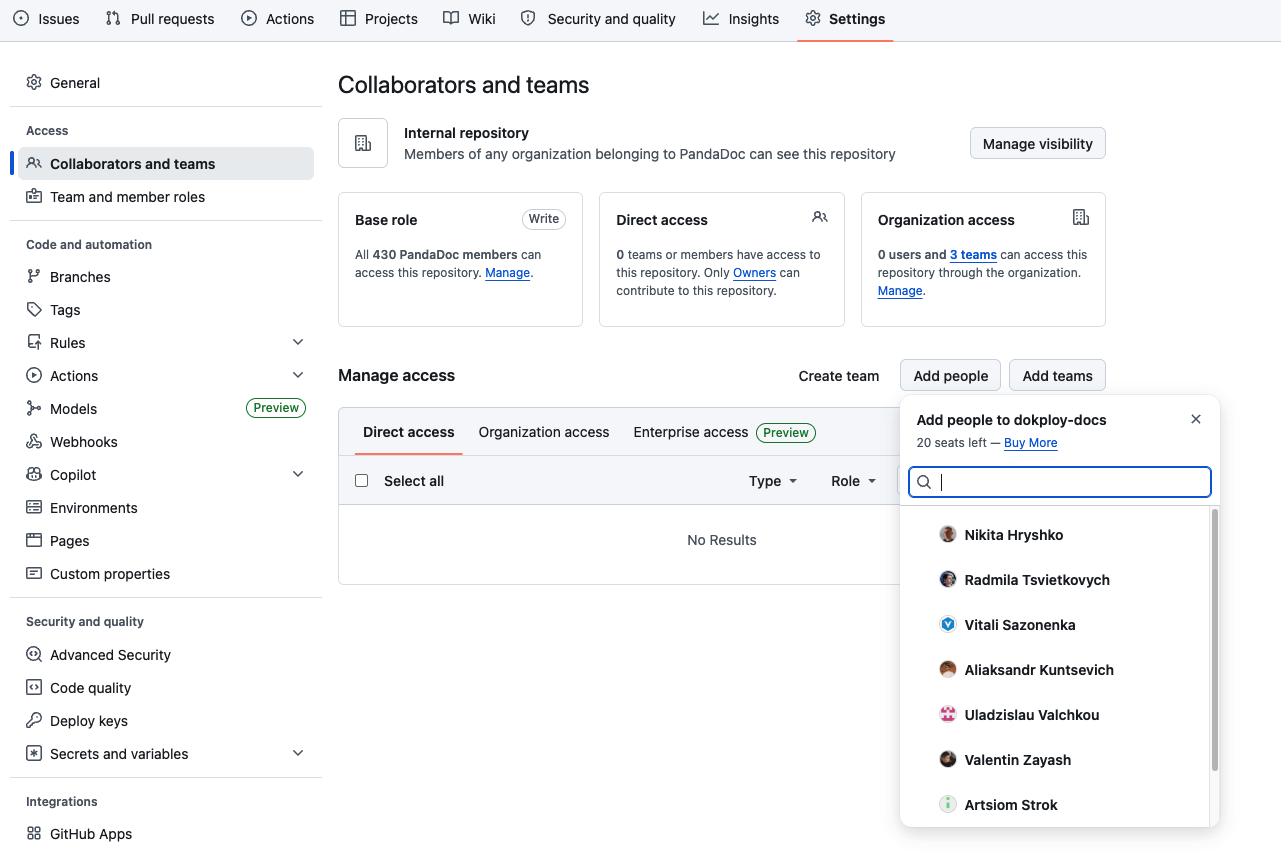
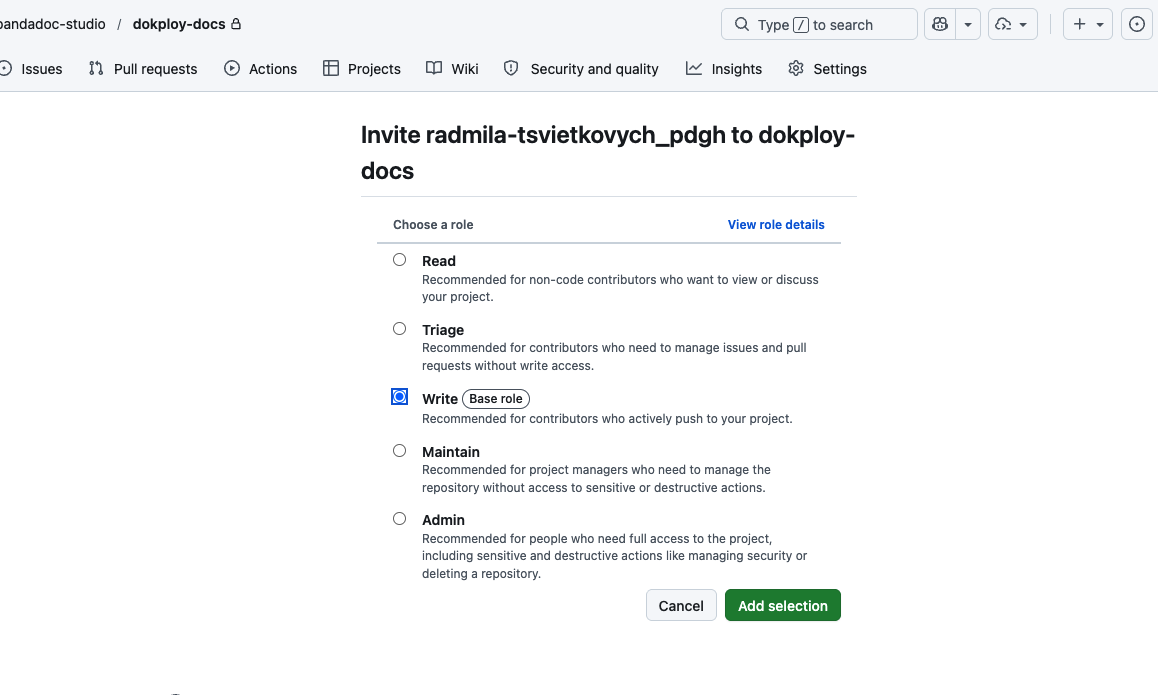
You can only add members who are already part of the official PandaDoc GitHub organization. Adding external collaborators or personal accounts is strictly prohibited.
Security Exceptions & OAuth Whitelisting
By default, all applications in Cub Central are protected by a global Google OAuth layer. If your application requires an exception (e.g., for API access or external webhooks), follow the Fast-Track process below.
The "Fast-Track" Workflow
A bottleneck-free approach established in collaboration with the Security Team:
-
Initiate Review — create a Threat Modeling request in the Support Portal
Your request will be migrated to the PLT Jira project; follow the link sent to your email. - Request Whitelisting — post a message in
#cub-central-communitywith a link to your Jira ticket - Immediate Action — the DevOps team will whitelist your application immediately upon seeing the ticket link, allowing you to continue development while the security review runs in parallel
Compliance & Reversibility
- Parallel Review — the Security Team will review the application while it is live and contact you directly if any issues are found
- Revocation — if critical security risks are identified and not addressed, the application may be removed from the whitelist based on Security Team feedback
Best Practices
-
Git Configuration — ensure your local Git is configured with your official
@pandadoc.comemail so contributions are correctly attributed:git config user.email "name@pandadoc.com" - Secret Management — use the Environment Settings in Dokploy or GitHub Actions Secrets. Never commit plain-text keys to your repository
#cub-central-community.